Guides
Food truck local SEO: a quarterly checklist
Food truck local SEO checklist: quarterly steps for Google and other listings, schedule updates, reviews, and permit checks for mobile vendors.
What to take away
- Food truck local SEO starts with accurate, consistent listings and a schedule customers can rely on.
- Check Google Business Profile, Google Maps, Bing Places for Business, Apple Business Connect, Yelp, and your Facebook Page each quarter.
- Use one clearly named schedule page as the source of truth, and update listings promptly when hours or pitches change.
- Check each planned pitch against the permit conditions set by the issuing city or county authority; permit names and forms vary by location.
The mismatch to understand first
Local search was designed for businesses that stay put. A record has a name, a category, an address and a set of opening hours, and the whole system assumes those are stable enough to send somebody to.
A truck breaks three of the four. The address changes, the hours change with it, and the category is often ambiguous. So instead of trying to make the truck behave like a storefront, decide deliberately how it is going to be represented and then be consistent everywhere.
Start with Google's official Guidelines for representing your business on Google. They explain how Google Business Profile listings are represented, including businesses without a conventional storefront. Check the current guidance before choosing address or service-area settings, and do not present a commissary as a customer location.
The decision to make once
On Google Business Profile, decide whether the business qualifies to display a customer-facing address or should hide its address and use service-area settings. Use Google's Guidelines for representing your business on Google to make that decision; settings and eligibility can differ on Bing Places for Business, Apple Business Connect, Yelp, and Facebook.
Keep the business name and customer-facing information consistent across listings. If Google Business Profile shows a fixed location while your Facebook Page advertises changing pitches, customers cannot tell where to go.
Your pitch schedule is also part of food truck site selection and location planning. Before publishing a pitch, confirm that you are authorized to trade there and that the schedule gives customers a usable date, time, and location.
If a commissary or support-kitchen address appears in a listing, do not describe it as a place customers can visit to buy food. On Google, follow the address guidance in Guidelines for representing your business on Google and check the other platforms' rules separately.
Hours, which is where most damage happens
Hours are one of the most consequential fields on Google Business Profile and the other listings, because customers may travel based on what they see.
Update hours whenever the trading schedule changes. Do not wait for the quarterly review to correct a change customers need to know about now.
Where a platform supports special or temporary hours, use that setting for one-off events instead of changing regular hours and forgetting to restore them.
For a moving schedule that does not fit an hours field, link each listing to one canonical page on your website titled Food Truck Schedule. Keep that page current, and use dated posts on your Facebook Page or Google Business Profile to announce individual changes.
Wrong hours are worse than empty hours because a person acts on them. Somebody who finds nothing checks elsewhere. Somebody who finds an incorrect opening time drives to a corner and finds nobody.
What belongs on the profile
| Field | What it should do for a truck | Common mistake |
|---|---|---|
| Name | Match the name on the truck exactly | Adding keywords or a location that is not part of the name |
| Category | Describe what you sell, not what you aspire to | Choosing a category that fits a restaurant instead |
| Hours | Match today's reality, or clearly defer to the schedule | Left at the hours of the first month you opened |
| Description | Say what you sell and how to find out where you are | Story before logistics |
| Photos | The truck, the board, the food, the queue as it looks | Only styled food shots, no exterior |
| Link | Point at the one place that is always right | Point at a social profile you no longer update |
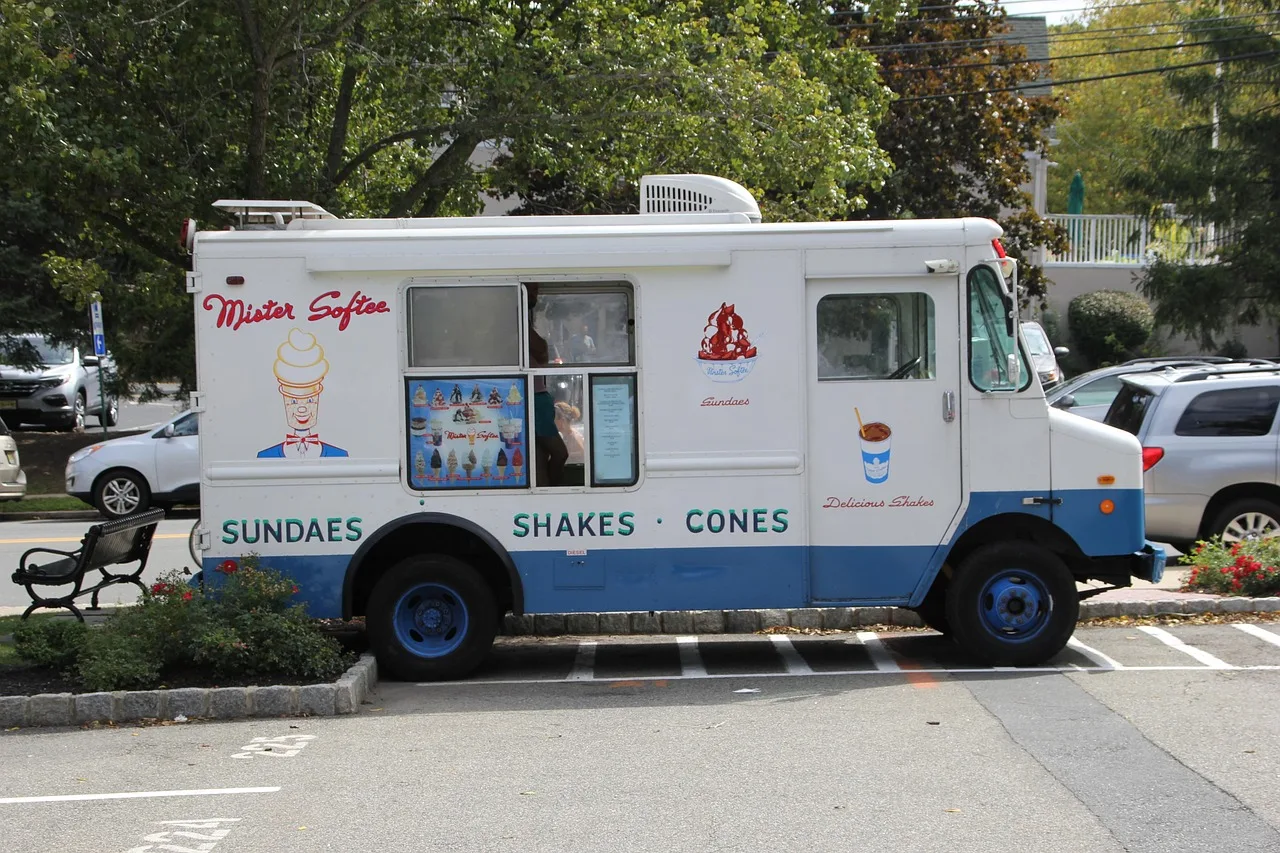
The exterior photograph matters more than most operators expect. A person deciding whether to walk two blocks is trying to recognize you at distance, and a picture of the truck does that job better than a picture of a dish.
Profile fields for a food truck
- Namematch the name on the truck
- Categorydescribe what you sell
- Hoursmatch today or defer to schedule
- Descriptionsay what and where
- Photosinclude the truck exterior
- Linkpoint at the always-correct page
Reviews, and where the rules sit
The FTC's Guides Concerning the Use of Endorsements and Testimonials in Advertising and Trade Regulation Rule on the Use of Consumer Reviews and Testimonials cover review-related practices. They address issues such as incentives, reviews by people with a connection to the business, and fake or misleading reviews.
Ask customers without filtering them based on how their visit went, and never make an incentive conditional on a positive review. Disclose a relevant relationship when staff or family members write about the business, and reply to negative reviews factually.
For a truck specifically, invite reviewers to mention where and when they found you, without telling them what rating or opinion to post. That detail can help the next customer plan a visit.
Content that is worth publishing
Publish information that answers where and when. A dated schedule and clear changes to pitches are more useful to customers than posts that leave them guessing.
Post the weekly schedule on your Food Truck Schedule page, then share it on your Facebook Page and Google Business Profile where those posting features are available. Add dated notices when a pitch changes, state your weather policy, and use current photos of the truck so customers can recognize it.
Make the schedule page the source of truth, and point every listing to it. This keeps a customer who finds you through Google Maps, Yelp, or another listing from relying on an outdated social post.
What to check every quarter
Set recurring reminders for January, April, July, and October. At each quarterly review, check these six items across Google Business Profile (including Google Maps), Bing Places for Business, Apple Business Connect, Yelp, and your Facebook Page; field names and settings vary by platform.
- Find and claim listings:Search each platform for the truck's name and check for existing records before creating anything. On Google, open the matching Business Profile in Google Search or Maps, select Claim this business or Own this business?, and follow the verification steps; if someone else manages it, use Google's Request access process. For another platform, use its own claim or support process to take control of the existing listing or report a duplicate.
- Check the name and category:Match the real business name and choose a category that reflects what you sell. Do not add location keywords to the business name.
- Check the address or service-area setting:On Google, compare the setting with Guidelines for representing your business on Google. Do not show a commissary as a customer destination.
- Check hours:Compare regular and temporary hours with the current schedule, and correct any listing that could send a customer to a closed pitch.
- Check the customer information:Open the Food Truck Schedule link, review the description and current truck photos, and make sure the link leads to the page carrying the real schedule.
- Check pitch permissions:Compare upcoming pitches with the conditions on the relevant permits and permissions before publishing them. Check the issuing city or county office and local health department for requirements that apply to the location and operation.
Update listings between quarterly reviews whenever a schedule, pitch, or other customer-facing detail changes.
Quarterly local SEO check
- Hours against the current schedule
- Link against the page carrying the schedule
- Category against what you now sell
- Photos of the truck as it looks
- Name, because listings drift from suggested edits
- New areacheck nothing implies unpermitted trading
Add the pitch-permission check whenever you plan to trade in a new area, even if that change falls between quarterly reviews. Do not announce a location until you have checked the applicable permission and its conditions.
Street-pitch authorization is local; there is no single nationwide street-pitch permit form or register to check. The issuing city or county street-vending or public-space office handles local pitch permissions, while the local health department handles food-service requirements; exact permit titles and forms vary by jurisdiction. Check the official pages and documents for the specific pitch, and keep the permit conditions with your operating records.
What local search cannot do for you
Local search cannot make an unpermitted pitch lawful or make an inaccurate schedule reliable. Before promoting a location, confirm that the relevant authority has authorized the pitch and that your listing matches the permitted dates and conditions.
A listing also cannot fix a service that the truck cannot deliver. If a promoted pitch or schedule changes, update the Food Truck Schedule page and the listings that point to it so customers do not arrive based on stale information.
Before adding a second pitch or unit, confirm the permit path for that location; expansion is a separate operational decision covered in the food truck growth guide.
Common questions
Should I list my commissary address?
Do not present a commissary as a customer location. On Google Business Profile, check Guidelines for representing your business on Google before showing any address; for other platforms, check their own address rules. If a platform requires an address for account administration, follow its instructions without telling customers they can buy food there.
Can I have a separate listing for each pitch?
For Google Business Profile, do not create a separate profile for each temporary pitch. Search Google Search and Maps for an existing profile, claim it through Google's ownership process, or request access if another person manages it. Use the schedule page and dated updates to show where the truck will trade, and check each other platform's current rules before creating another listing.
How important are keywords?
Accuracy matters more than adding keywords. Google's guidelines require the business name to reflect the real-world name, so do not add location words or descriptors to it; put accurate descriptive information in the description field instead. Check the naming rules for each other listing separately.
What if someone else has created a listing for my truck?
Search the platform for the truck before creating a listing. If an existing Google Business Profile is unclaimed, select Claim this business or Own this business? and follow the verification steps; if another person manages it, use Request access. On Bing Places for Business, Apple Business Connect, Yelp, and Facebook, use the platform's own claim or support process to recover or correct the existing listing rather than creating a duplicate.